

How Accounting Firms Can Manage Multiple Clients Efficiently
If you are an accounting firm, bookkeeper, or fractional CFO managing multiple operator clients, you know the chaos that comes with tracking receipts and expenses across different businesses. Each client has their own team, their own vendors, their own locations -- and somehow you are expected to keep everything organized, reconciled, and audit-ready.
This guide covers how firms can centralize multi-client receipt management, reduce back-and-forth, and scale their practice without scaling their headcount.
The Client Management Problem for Accounting Firms
Most accounting firms cobble together a mix of email, shared drives, spreadsheets, and phone calls to manage client receipts. This creates several compounding problems:
- No single view of all clients -- you switch between accounts, inboxes, and folders constantly
- Receipts arrive in every format -- photos via text, email attachments, paper mailed in
- Follow-up is manual -- you email or call clients to ask "What is this receipt for?"
- No audit trail for who uploaded what, or when something was reviewed
- Scaling from 5 clients to 20 clients multiplies the chaos
Step 1: Centralize All Client Receipts in One Dashboard
The single most impactful change for a firm is moving from fragmented tools to a centralized dashboard where you can see every client, every location, and every receipt in one place. Instead of logging into separate systems for each client, you need a firm-level view that aggregates data across all operator clients.
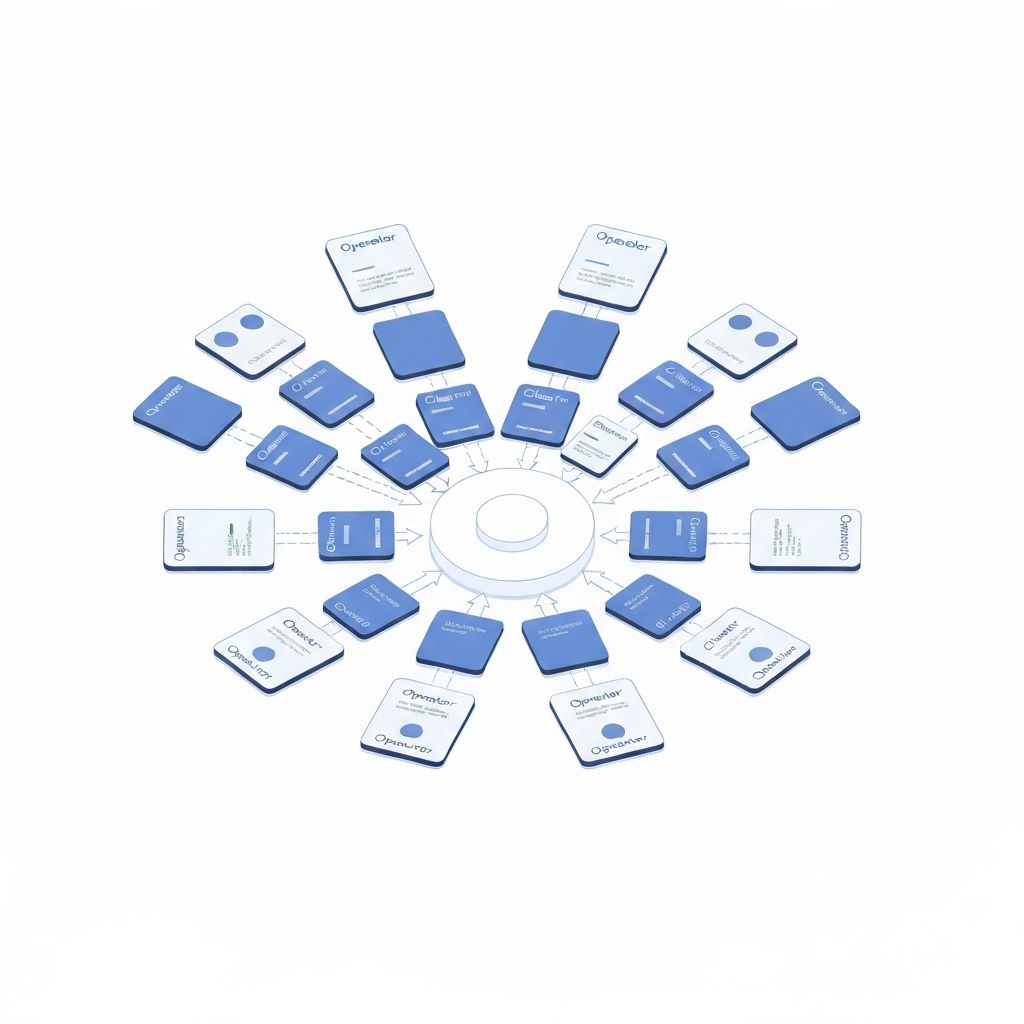
This means your team can filter by client, by location, by status, or by date -- without ever leaving the dashboard. No more digging through email chains.
Step 2: Standardize the Receipt Submission Process
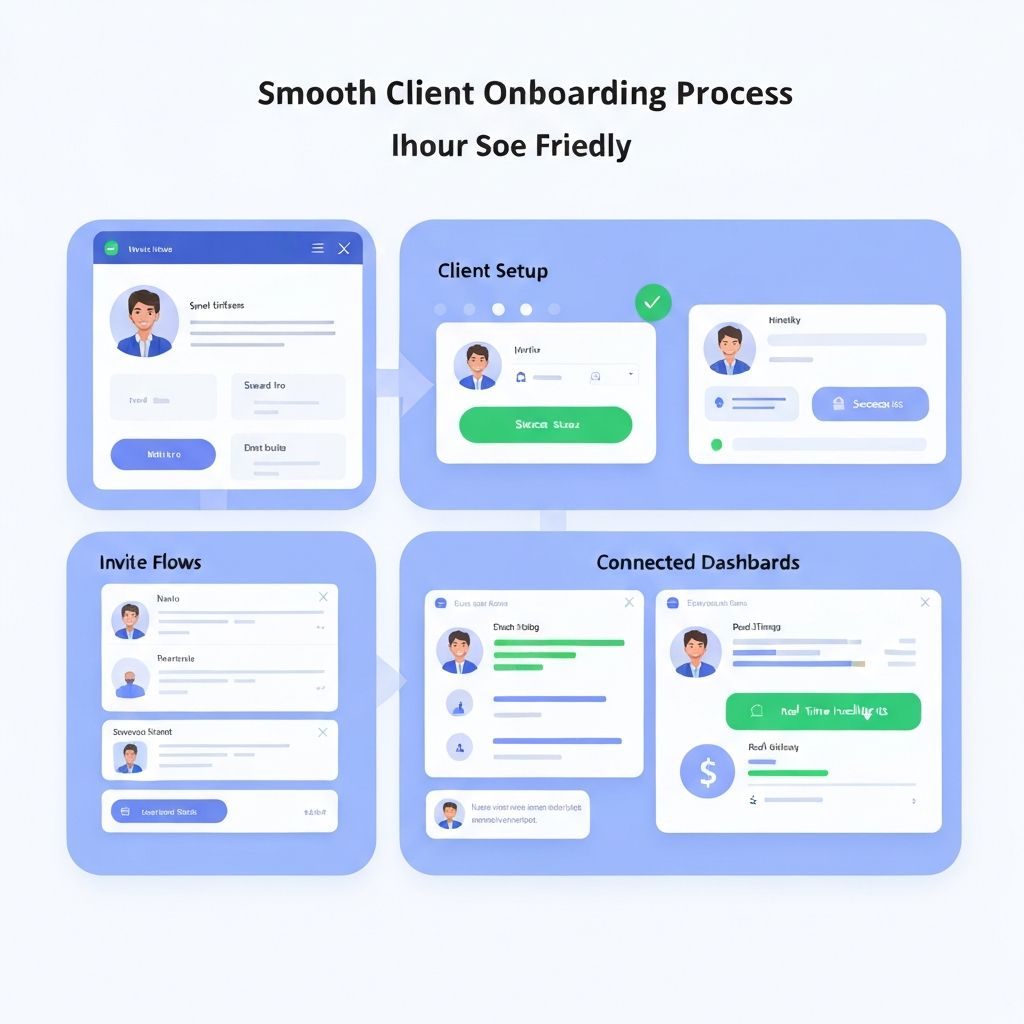
Every client submits receipts differently. Some text photos, some email scans, some hand you a shoebox at the end of the quarter. The fix is giving every client a standardized submission workflow:
- Each client gets their own workspace where their team uploads receipts directly
- Receipts are automatically tagged to the correct client and location
- OCR extracts vendor, date, and amount -- no manual data entry for your staff
- Submission timestamps create a clear audit trail
Step 3: Use In-Thread Communication to Eliminate Email Chains
The biggest time-waster for accounting firms is the back-and-forth communication about specific receipts. "What is this $350 charge at Lowes?" gets buried in an email thread with 15 other questions.
In-thread clarification attaches questions directly to the specific receipt. Your client sees the receipt, the question, and can respond with context -- all in one place. No more lost messages. No more phone tag. This single feature can save 3-5 hours per week for a firm managing 10+ clients.
Step 4: Implement Workflow Statuses for Every Receipt
When you are managing hundreds of receipts across multiple clients, you need to know the status of each one at a glance. Workflow statuses turn receipt management from a pile of unknowns into a managed pipeline:
Ready
Complete -- ready for your books
Needs Info
Waiting on client clarification
In Review
Your team is processing it
Completed
Fully reconciled and filed
Step 5: Scale Your Practice Without Scaling Your Staff
The firms that grow efficiently are the ones that systematize client management. When every client follows the same submission workflow, when communication is threaded and searchable, and when statuses give you instant visibility -- adding a new client takes minutes, not days.
The math is simple: a firm spending 2 hours per client per month on receipt management can cut that to 30 minutes with the right system. At 20 clients, that is 30 hours saved per month -- nearly a full-time employee's worth of labor.
Firm Growth: Before vs. After
| Factor | Before | After |
|---|---|---|
| Client onboarding | Custom setup per client | Standardized workspace in minutes |
| Receipt collection | Emails, texts, shoeboxes | Direct upload per location |
| Clarification | Separate email threads | In-thread per receipt |
| Status tracking | Spreadsheets or memory | Live workflow statuses |
| Team visibility | Ask the senior accountant | Dashboard-level transparency |
| Adding a new client | Hours of folder setup | Click, connect, start |
How Nayvori Enables Firm-Level Management
Nayvori's Firm Plan was built specifically for bookkeepers and accounting firms managing multiple operator clients. Here is how it maps to the system above:
Frequently Asked Questions
Ready to manage all your clients from one dashboard?
The Firm Plan includes 1 operator -- add more as you grow.