

Receipt Tracking vs Manual Bookkeeping: What Saves More Time?
Every business tracks expenses. The question is how. Some still rely on paper receipts, spreadsheets, and manual entry. Others have moved to dedicated receipt tracking software that automates capture, categorization, and reconciliation. This article compares the two approaches head-to-head across the dimensions that matter most: time, accuracy, cost, and scalability.
If you are a business owner, operator, or bookkeeper trying to decide whether digital receipt tracking is worth the switch, this breakdown gives you the data to make an informed decision.
How Manual Bookkeeping Actually Works
Manual bookkeeping means collecting physical or emailed receipts, manually entering each transaction into a spreadsheet or accounting software, and reconciling at month-end. For a small business with one location and one person handling expenses, this might work. But the process has inherent limitations:
- Average 2-3 minutes per receipt for manual data entry
- Paper receipts fade -- thermal paper loses ink within 6 months
- No searchability -- finding a specific receipt means digging through folders
- Duplicate entries are common when multiple people handle expenses
- Reconciliation depends entirely on human memory and attention
How Digital Receipt Tracking Works
Digital receipt tracking replaces manual processes with automated capture. The typical workflow looks like this: upload a photo or PDF, OCR extracts the key data (vendor, date, amount, category), the receipt is auto-tagged to a location or project, and workflow statuses track its progress through your books.
The entire process from upload to categorization takes seconds, not minutes. And because everything is digital, every receipt is searchable, timestamped, and backed up automatically.
Time Comparison: Where the Hours Actually Go
Let's look at a real-world example. A business processing 200 receipts per month:
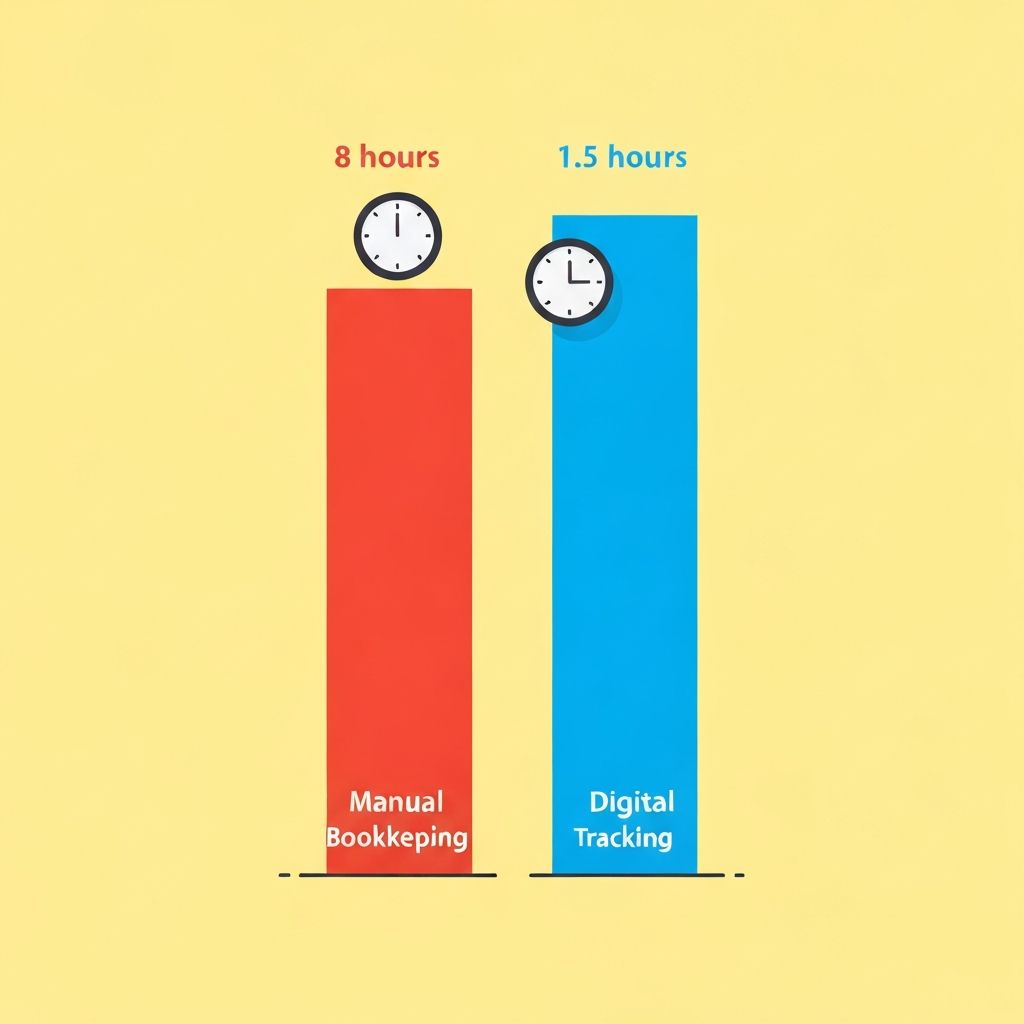
| Task | Manual | Digital |
|---|---|---|
| Data entry (per receipt) | 2-3 min | 5-10 sec (OCR) |
| 200 receipts/month total | 6-10 hours | 15-30 min |
| Finding a specific receipt | 5-15 min | Under 10 sec (search) |
| Month-end reconciliation | 4-8 hours | 30-60 min |
| Clarification with bookkeeper | Multiple email chains | In-thread, per receipt |
| Monthly total time estimate | 12-20 hours | 1-2 hours |
Accuracy: Human Error vs. Automated Extraction
Manual data entry has an average error rate of 1-4% per field. For 200 receipts with 4 fields each, that is 8-32 errors per month. These errors compound: a wrong amount leads to a reconciliation mismatch, which leads to hours of detective work.
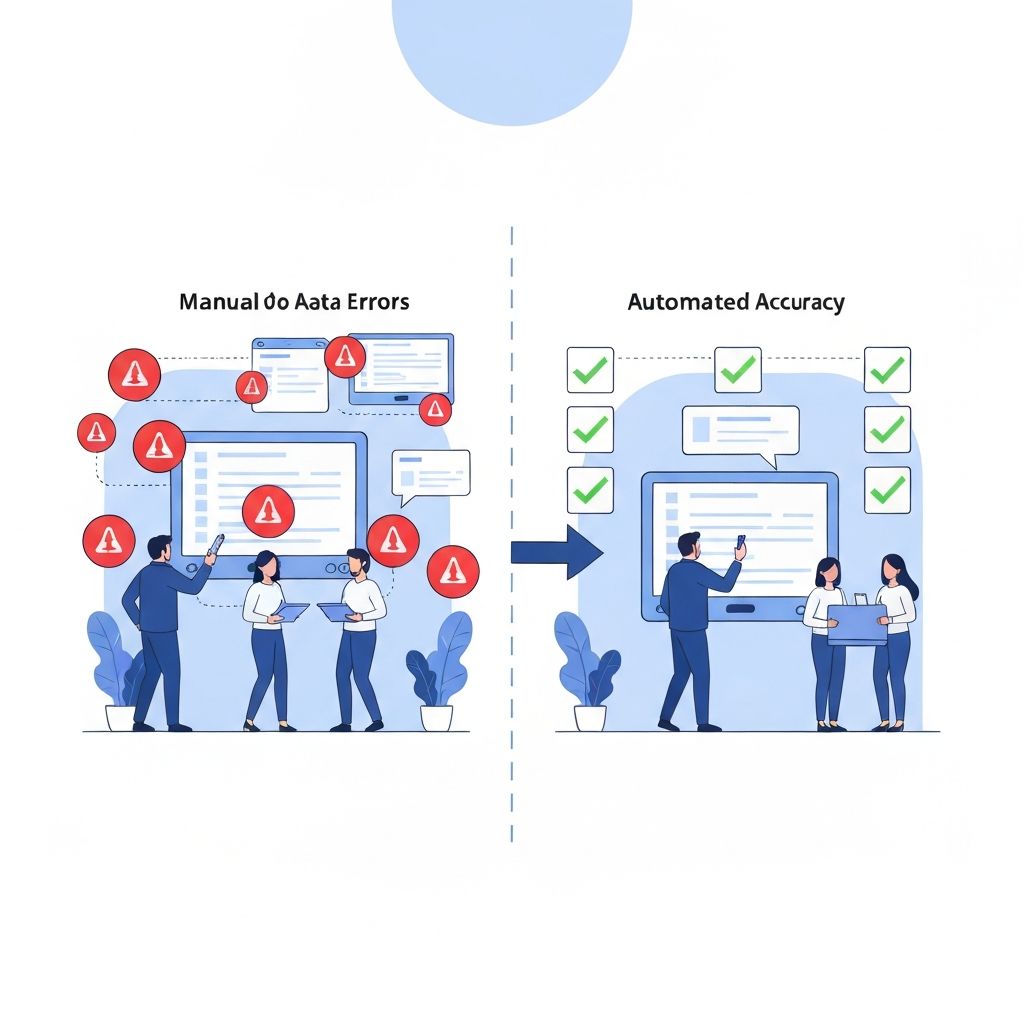
OCR-based extraction is not perfect either, but it eliminates the most common human errors -- transposed digits, missed decimals, wrong dates. And because every extraction is tied to the original receipt image, verification is instant: just look at the photo.
Cost Analysis: What Manual Bookkeeping Really Costs
Manual bookkeeping looks "free" because you are not paying for software. But the hidden cost is labor time. If a business owner or bookkeeper spends 15 hours per month on receipt management at an effective rate of $35/hour, that is $525/month in labor alone.
| Item | Manual | Digital |
|---|---|---|
| Software cost | $0 | $15-60/mo (varies) |
| Labor time (15 hrs @ $35/hr) | $525/mo | $70/mo (2 hrs) |
| Error correction (3 hrs/mo) | $105/mo | ~$0 |
| Missed deductions (est.) | $100-500/mo | ~$0 |
| Total effective cost | $730-1,130/mo | $85-130/mo |
Scalability: What Happens When You Grow
Manual bookkeeping does not scale. When you go from 1 location to 3, your receipt volume triples but so does the complexity. Different team members, different vendors, different filing systems. The process that worked for 50 receipts per month breaks completely at 300.
Digital receipt tracking scales linearly. Each new location gets its own organized workspace. Each team member uploads to the right place. Workflow statuses prevent anything from falling through the cracks. The system works the same at 3 locations as it does at 30.
The Full Comparison
| Factor | Manual | Digital |
|---|---|---|
| Setup time | None | Minutes |
| Per-receipt processing | 2-3 min manual entry | 5-10 sec OCR |
| Searchability | Dig through folders | Instant search |
| Duplicate detection | None | Automatic |
| Error rate | 1-4% per field | Near zero with verification |
| Scalability | Breaks at 3+ locations | Works at any scale |
| Monthly labor (200 receipts) | 12-20 hours | 1-2 hours |
| Effective monthly cost | $730-1,130 | $85-130 |
When Should You Switch?
If any of the following apply to your business, the switch to digital receipt tracking will pay for itself within the first month:
- You process more than 50 receipts per month
- You manage more than one location or project
- You have team members who submit expenses
- Your bookkeeper regularly asks for clarification
- You spend more than 5 hours per month on receipt management
- You have missed deductions due to lost or unfiled receipts
How Nayvori Compares
Nayvori was designed for the exact scenario this article describes: multi-location businesses and the bookkeepers who serve them. It combines OCR extraction, location-based organization, team tracking, workflow statuses, and in-thread communication in a single platform -- starting at $15/month for operators and a flat $29.99/month for firms with unlimited clients.
Frequently Asked Questions
Stop losing time to manual bookkeeping.
Nayvori gives you structured receipt tracking starting at $15/month.